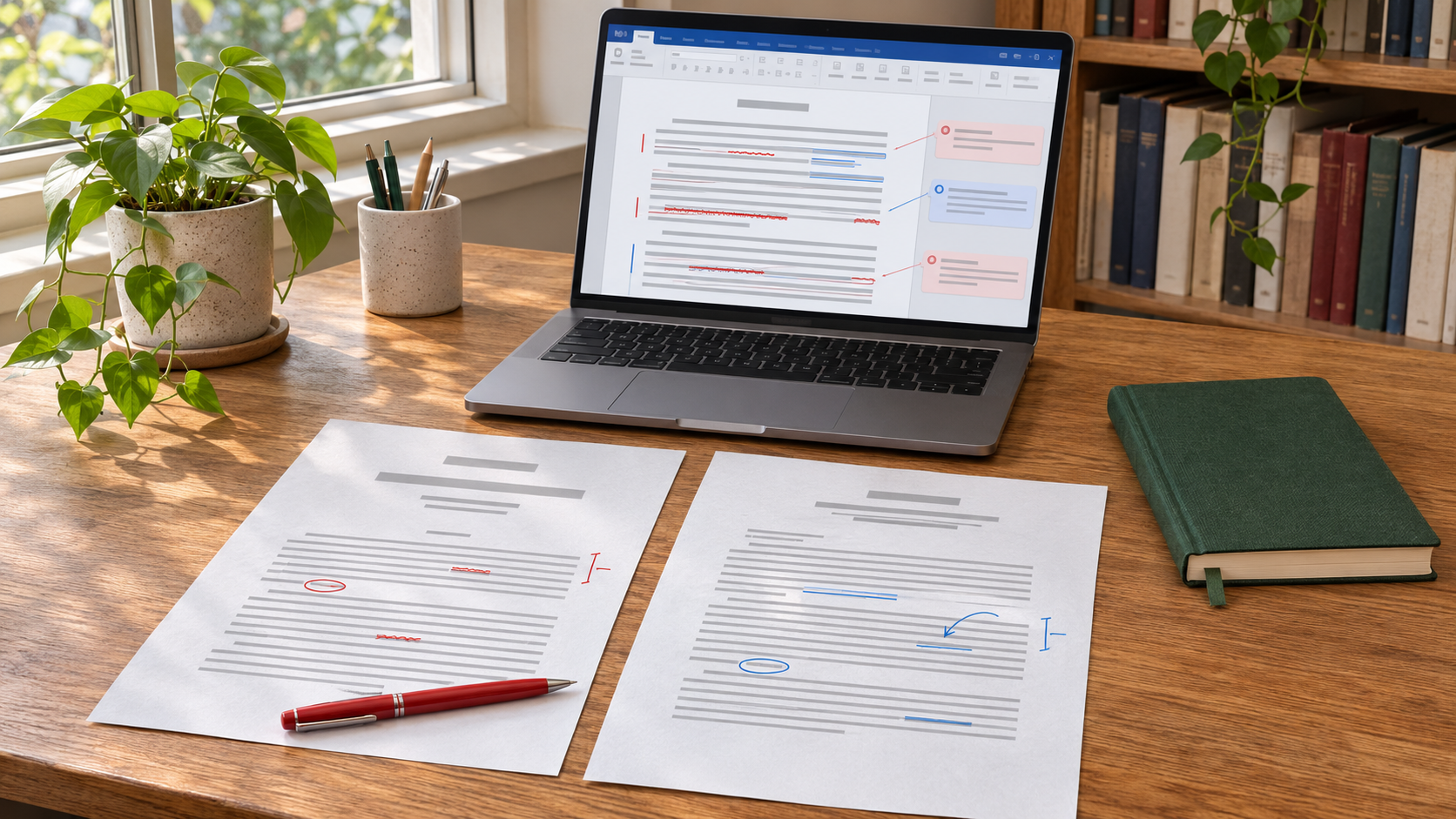
A dissertation or doctoral thesis is often the most complex document a student prepares during university study. Its final version may contain numerous chapters, references, tables, figures, appendices, and specialist terminology that must remain consistent. Even after substantial academic revision, technical errors can persist. Professional proofreading can help identify these issues, but the quality of the service depends not only on the corrections made. It also depends on how those corrections are documented and returned to the researcher.
Proofreading a thesis in Word involves more than receiving a document that appears polished. Students need to understand what files a proofreader should provide, how tracked changes and comments work, and which version is appropriate for final submission. An apparently clean document may still contain unresolved revisions or hidden editorial information. Equally, accepting every correction without examination can introduce mistakes or alter the intended meaning of academic work. This guide explains the files worth requesting, the differences between marked-up and clean copies, and the steps needed to verify a proofread thesis before submitting it to a university.
What Files Should You Receive After Proofreading a Thesis in Word?
A transparent proofreading arrangement should allow students to identify the assistance provided and assess the changes before producing the final manuscript. The most useful deliverable is normally a Word document containing visible editorial suggestions, either through tracked changes or comments, depending on university regulations. A clean copy may also be supplied, but it should not replace access to the marked-up version. Other materials, including an editorial summary or consistency sheet, may be helpful for lengthy dissertations. However, these additional files are not automatically included in every commercial proofreading package and should be discussed before booking.
It is equally important to distinguish files supplied by the proofreader from documents the student must preserve independently. The original manuscript belongs in the student's records, even if the provider returns another copy. Maintaining this version allows the researcher to compare the document before and after editorial intervention. The University of Dundee's proofreading guidance requires students to retain proofread work showing suggested corrections in case questions arise about compliance with institutional rules. A sensible file-management process therefore preserves the original, the editorial feedback, and the final approved version.
The following table explains the principal files involved in a Word-based proofreading workflow and identifies which are essential for review and which depend on the agreed service.
| File | Main Purpose | What to Confirm |
|---|---|---|
| Original thesis (.docx) | Preserves the student's manuscript before external intervention. | Keep an untouched original independently of the proofreading provider. |
| Marked-up or commented thesis (.docx) | Shows proposed corrections and questions requiring the student's attention. | Confirm that the method of marking suggestions complies with university rules. |
| Clean thesis (.docx) | Provides an unmarked reading copy after the relevant revisions have been resolved. | Confirm whether this is an optional provisional copy or the student's approved final version. |
| Editorial summary or style sheet | Records recurring issues, terminology conventions, and outstanding editorial queries. | Check whether the service includes these additional materials. |
| Final submission PDF | Presents the final thesis in a fixed-layout format where required by the university. | Usually generated or verified by the student after approving the Word manuscript. |
The main principle is that every important stage should remain distinguishable. A clean copy is useful for reading, while a marked-up copy provides evidence of editorial intervention. Neither should replace the original manuscript. The final PDF serves a different purpose: it enables submission in the university's required format. Before commissioning proofreading, ask whether the provider supplies both marked-up and clean Word versions, whether an editorial report is included, and whether the service covers PDF preparation.
The Marked-Up Word File: Understanding Tracked Changes
Microsoft Word's Track Changes feature records alterations to a document so that the author can inspect them. Inserted text, deleted passages, and certain formatting modifications can appear as revision marks, with their presentation depending on the selected review settings. According to Microsoft's guidance on accepting and rejecting tracked changes, users can examine proposed changes individually before accepting or rejecting them. This is valuable for academic proofreading because it makes corrections visible rather than silently replacing the student's original writing.
Consider a methodology sentence stating that several interviews "was conducted" over two weeks. Where direct grammatical correction is permitted, the proofreader may suggest changing "was" to "were". The researcher can inspect the revision and confirm that the original methodological meaning remains intact. By contrast, a suggestion to replace "interviews" with "surveys" would change the research procedure and should not be accepted merely because the sentence appears grammatically correct. Tracked changes support transparency, but the feature cannot determine whether a correction is academically appropriate. Visible changes still require informed author approval.
Students should also understand Word's display settings. Simple Markup may reduce the amount of visible annotation, while All Markup displays more detailed revision information. Selecting No Markup does not remove outstanding changes; it temporarily hides their visual indicators. Microsoft explicitly warns that tracked revisions remain in the document until they have been accepted or rejected. Therefore, a thesis that looks clean when opened may not be technically final. Students should inspect the actual revision status rather than rely on the appearance of the page.
Why a Clean Word Copy Should Accompany the Edited Version
A clean Word copy allows the researcher to read the thesis without the interruptions created by correction marks and comment balloons. This can be useful for reviewing paragraph continuity, heading consistency, and the overall appearance of the manuscript. However, a clean copy supplied by an editor may incorporate suggested changes before the student has approved them. For this reason, it should not automatically be treated as the definitive submission document. Its status depends on the agreed workflow and whether the researcher has already evaluated the proposed corrections.
The distinction becomes important when a proofreader has queried uncertain terminology or identified inconsistencies in the interpretation of findings. A clean file cannot explain why those matters were raised if the accompanying comments have been removed. Students should therefore review the marked-up document first, resolve outstanding queries, and then create or approve a final clean version. Epic Essay's guide to thesis editing and proofreading
What Should Be Included in Word Comments and Editorial Queries?
Comments have a different function from tracked changes. A tracked correction proposes an alteration, whereas a comment can explain a difficulty or request clarification without replacing the original text. This distinction is particularly important when the reviewer encounters an ambiguous statement involving research methods, findings, or specialist terminology. For example, if one chapter refers to a voluntary sample and another describes random selection, an appropriate comment could ask the student to verify the recruitment procedure. The proofreader should not independently select whichever sampling term appears more plausible because doing so could misrepresent the research.
Useful comments should identify the precise issue and provide enough information for the researcher to make a decision. A comment stating "unclear" offers little guidance, while one explaining that two concepts appear to have been used interchangeably gives the author a specific matter to investigate. Some services also provide a separate query log or editorial summary. Such a file can be helpful when comments recur throughout several chapters, although it should complement rather than obscure the original feedback. Epic Essay's dissertation proofreading checklist
How to Review a Proofread Thesis in Microsoft Word
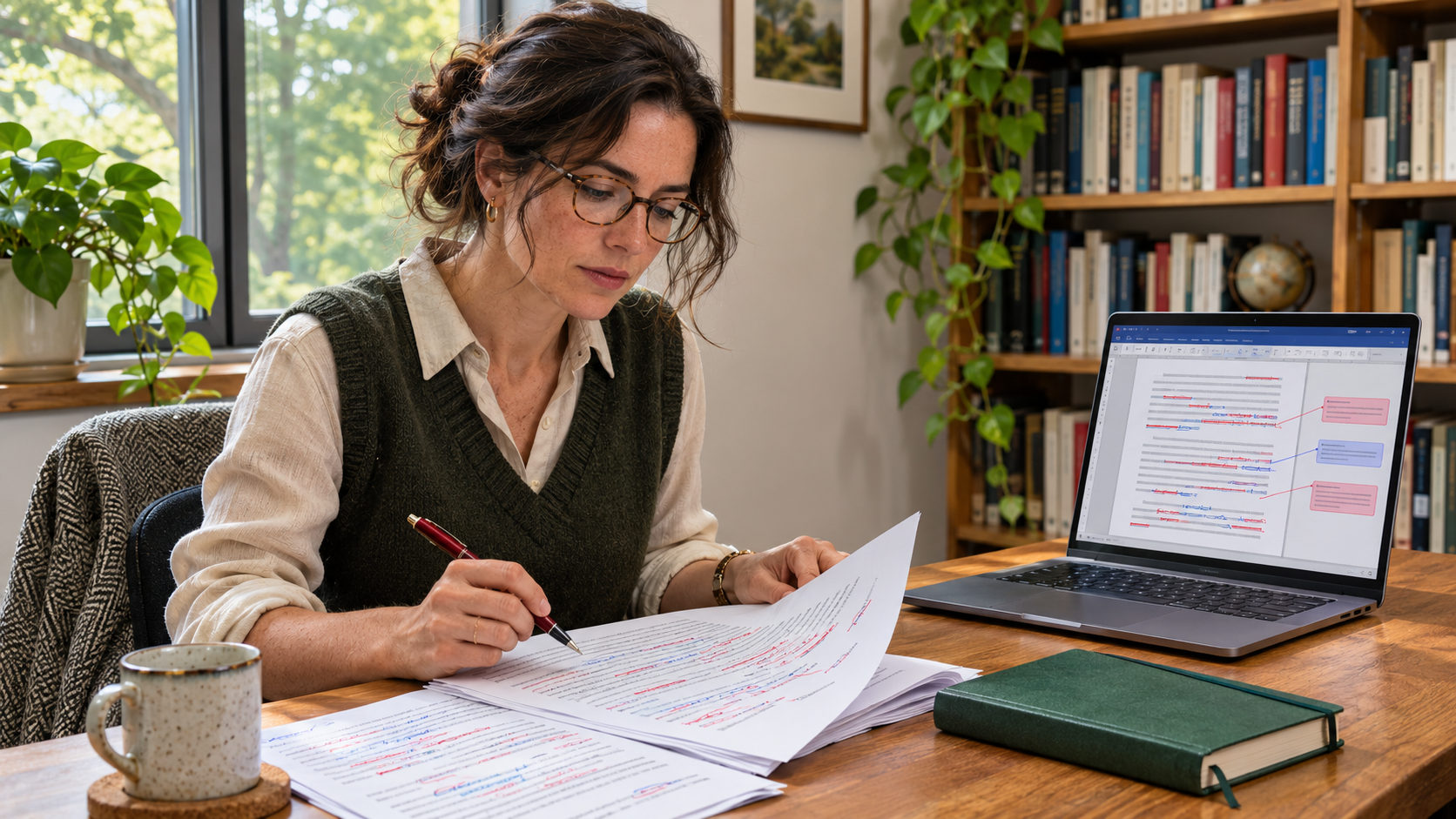
Receiving the marked-up file is only the beginning of the final review. Students should examine proposed changes systematically rather than accept every suggestion automatically. Microsoft Word provides commands for navigating revisions, while comments allow questions to be resolved separately. The exact interface varies between Word for Windows, Mac, and the web, but the underlying principle remains the same: each substantive decision belongs to the researcher. The following procedure is intended primarily for desktop versions of Microsoft Word, where detailed review commands are available.
A practical checking sequence is:
- Save separate copies of the original manuscript and the returned marked-up document before making further changes.
- Open the marked-up file and select Review, then display All Markup so that proposed alterations are visible.
- Use the Previous and Next review controls to examine individual changes, accepting or rejecting them where appropriate.
- Read every editorial comment, verify uncertain terminology against the actual research, and resolve queries independently.
- Review the entire document again after the corrections have been considered, checking that the wording still reflects the intended argument.
- Save a new final Word copy only after the appropriate revisions have been resolved and a separate record of the marked-up file has been retained.
The Reviewing Pane can assist with this process by displaying outstanding changes and comments. It is particularly useful in a long thesis where corrections appear across several chapters. However, its function is to help students locate and inspect revisions, not to determine whether changes are academically justified. A correction involving specialised terminology may require consultation with the original data, cited literature, or supervisor. Accepting every change in one operation can be convenient for ordinary collaborative documents, but it is generally unsuitable when the student must verify that proofreading has not altered their research.
Checking Tables, References, and Word Document Features After Proofreading
Theses frequently contain elements that require attention beyond ordinary text. Tables, figure captions, footnotes, reference lists, page numbering, and cross-references may be affected by editing or formatting changes. A corrected paragraph might cause a table to move onto another page, while the insertion of a heading could affect the table of contents. These are not necessarily errors introduced by the proofreader; they can result from the way Word updates a document when text changes. Students should therefore verify the functioning of the final file rather than assume that a correct-looking paragraph guarantees a technically complete manuscript.
Microsoft explains that fields used for tables of contents, cross-references, and other document features may require manual updates. Its instructions for updating Word fieldsautomatic tables of contents
The following table identifies important checks that should be completed after reviewing the proofread Word document.
| Document Element | Possible Problem | Student Verification |
|---|---|---|
| Table of contents | Page numbers or heading entries may no longer match the revised manuscript. | Update the table of contents and compare entries against the actual headings. |
| Tables and figures | Captions, numbering, or placement may have changed following revisions. | Check numbering, labels, references within the text, and page layout. |
| References and footnotes | Citation formatting or reference-manager fields may have been affected by editing. | Verify source details, citation consistency, footnote numbering, and editable reference fields. |
| Document formatting | Page breaks, heading styles, margins, or spacing may differ from the university template. | Compare the final manuscript with the institution's submission requirements. |
These checks are especially important when the thesis uses reference-management software, automatic numbering, or linked material. Students should confirm that citations and document features remain functional rather than accepting a visually similar replacement. The proofreader's responsibility depends on the agreed scope, but final submission accuracy remains with the researcher. The Epic Essay thesis proofreading checklist
Protecting the Original Thesis and Avoiding Hidden Revision Data
File security is an important part of academic proofreading. Students should preserve an untouched original, retain the marked-up copy, and create the final manuscript as a separately named version. A practical naming system might distinguish the original draft, the reviewed document, and the approved final file without relying on ambiguous labels such as final, final2, or final-new. Where several people have reviewed the thesis, the document history should remain clear enough to identify which comments and corrections came from each stage. This is particularly valuable when institutions require evidence of the extent of third-party assistance.
Word documents can also retain information that is not immediately visible during ordinary reading. Microsoft's guidance on Document Inspector
University Rules May Determine Which Word Files Are Appropriate
Professional proofreading is governed by institutional academic integrity requirements, not solely by the features available in Microsoft Word. The University of Dundee, for example, generally requires proofreaders to use comments rather than tracked changes when annotating assessed work, except in specified reasonable-adjustment circumstances. Other institutions may permit electronic suggestions through Track Changes while requiring students to evaluate them independently. Consequently, students should not instruct a provider to make direct corrections throughout a thesis without checking whether that method complies with their university's regulations.
These distinctions affect both the returned file and the student's responsibilities. A commented-only document may be the appropriate deliverable where external proofreaders are permitted to identify problems but not rewrite the text. A marked-up document may be suitable under different institutional rules. Neither arrangement transfers responsibility for the academic work to the proofreader. Students should establish the permitted method, share the relevant guidance with the provider, and preserve evidence of the assistance received. The completed thesis must continue to represent the researcher's own methods, interpretation, and scholarly contribution.
Preparing the Final PDF After Proofreading in Word
Many universities require a PDF for final thesis submission, even when the manuscript was written and proofread in Word. The PDF should normally be generated from the student's approved clean Word document rather than from an unresolved marked-up version. Microsoft's guidance on saving Office documents as PDFs
Before uploading the PDF, examine the title page, abstract, table of contents, page numbering, tables, figures, appendices, and final reference list. Check that no editorial comments or revision marks have been included unintentionally and that the document meets the institution's accessibility and formatting requirements. Microsoft's guidance on accessible PDFs
What to Confirm Before Paying for Word Thesis Proofreading
Students should establish the deliverables before commissioning a proofreading service. Ask whether the provider will work in Microsoft Word, whether the returned file will contain comments or tracked changes, and whether a separate clean copy is included. Confirm which sections are covered, whether referencing and formatting checks form part of the quotation, and how outstanding queries will be handled. Where the institution permits professional assistance, provide the relevant policy so that the editor understands the limits of direct intervention. A clearly defined agreement reduces misunderstandings about what the completed document should contain.
For students considering external assistance, Epic Essay's dissertation and research paper services
Proofreading a Thesis in Word: The Files That Matter Most
Proofreading a thesis in Word should leave the researcher with a clear record of the work reviewed and the changes proposed. The original manuscript preserves the student's writing before external assistance, while the marked-up or commented file explains what the proofreader identified. A clean Word copy provides a practical basis for final reading, and the submission PDF presents the approved manuscript in the required format. Optional editorial reports can add value, particularly where consistency issues appear throughout a lengthy thesis.
The most important consideration is not the number of files delivered but whether they enable an informed and academically responsible final review. Students should examine corrections, resolve comments, verify automated Word features, and preserve their editorial records. A professional proofreading process is most useful when it improves technical presentation without obscuring the researcher's original contribution or limiting their control over the final thesis.


Comments